




AI-powered digital signature platform trusted across Singapore
Accelerate document workflows in Singapore with Mekari Sign’s AI-powered platform. Sign and send documents via Mekari Sign, verify signers with SingPass, and stay compliant automatically.
























Secure and legally binding contract platform
Built for global compliance, high-level data security, and seamless regional operations



The future of AI-powered document management
From e-signatures to tracking and storage, built to help your business move faster.
Why companies choose Mekari Sign
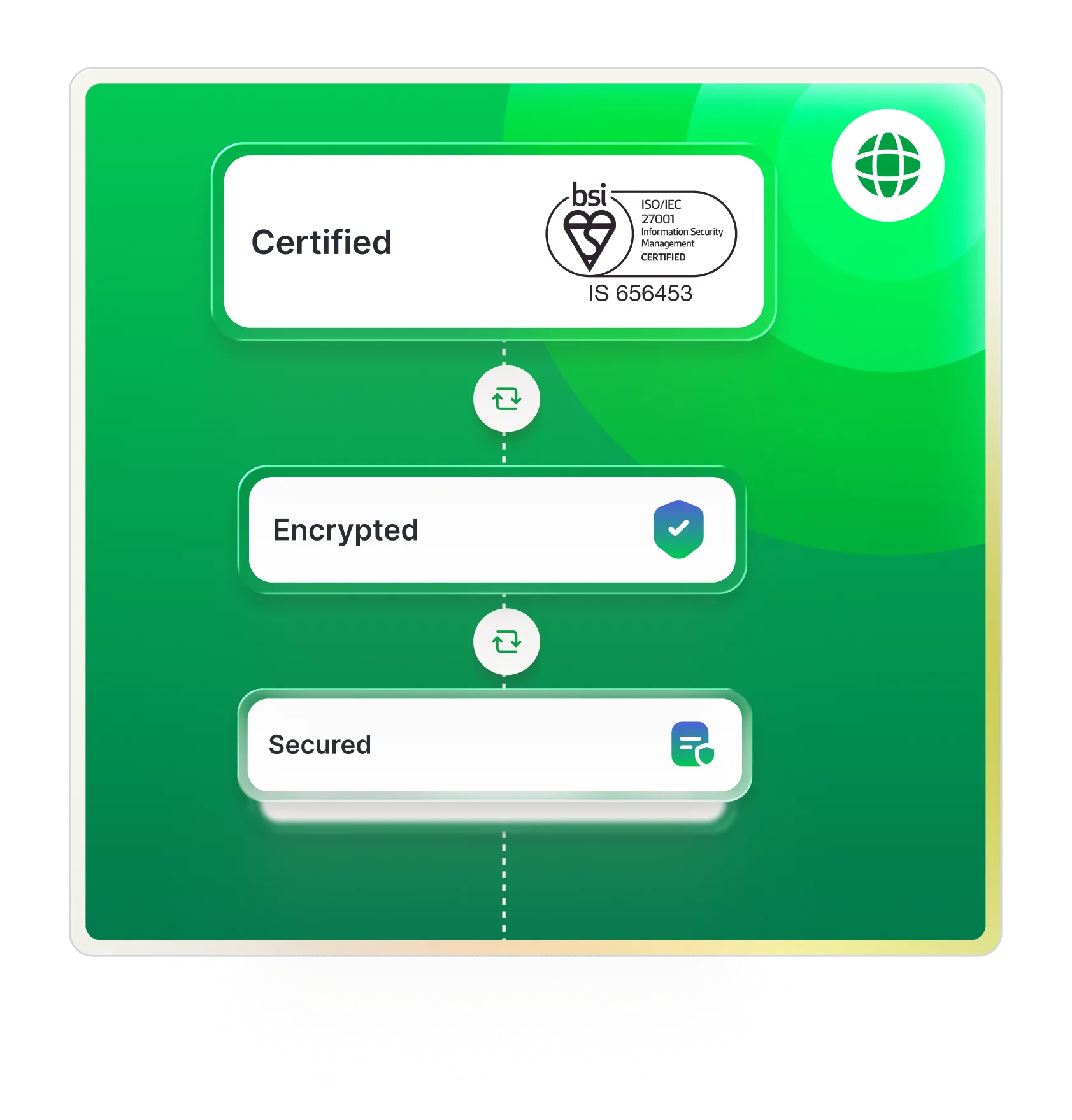
Mekari Sign meets international security standards and is independently audited.

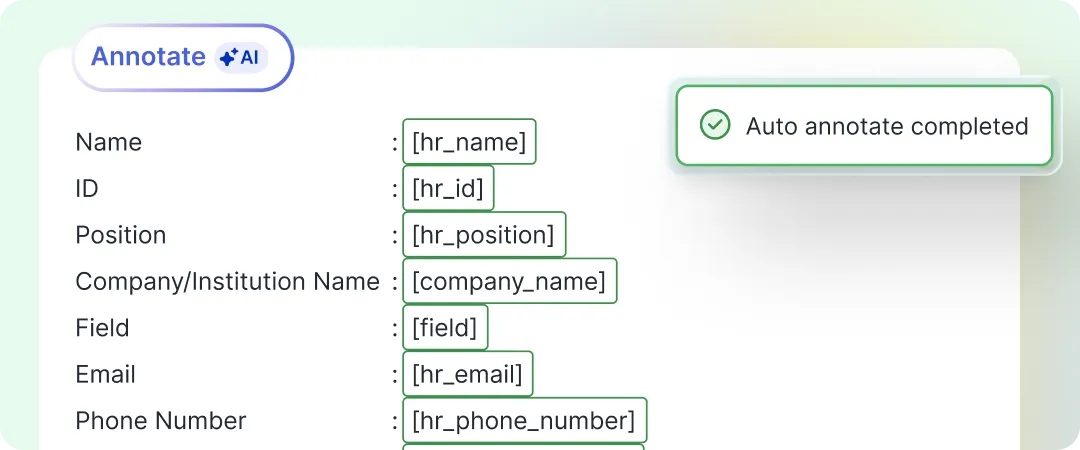
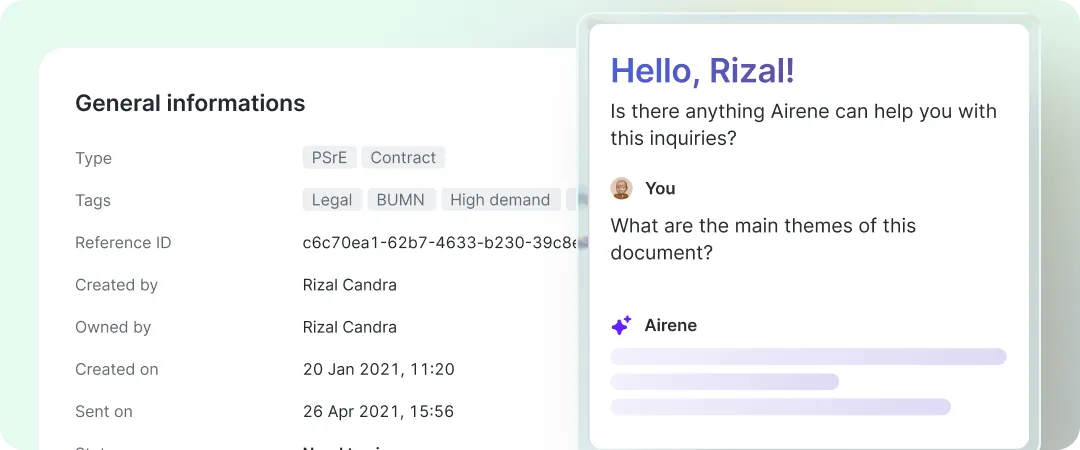
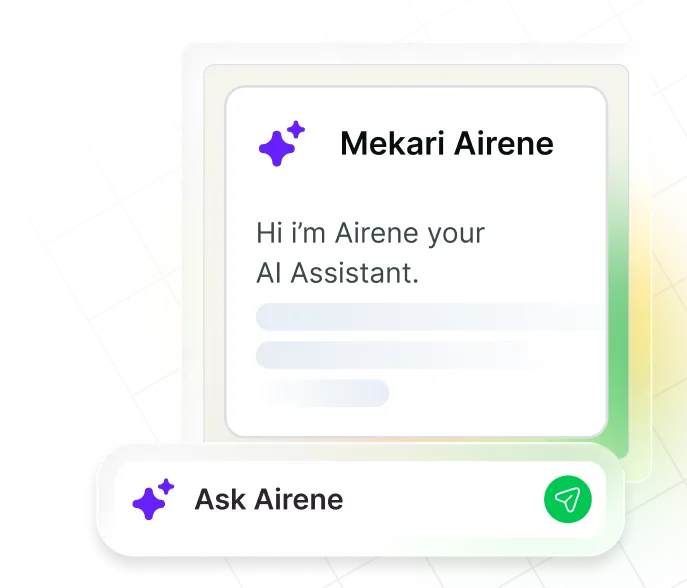
Speed up approvals, summarize contracts, and automate document processing with built-in AI assistance.

Certified with global security standards to keep your business data secure and audit-ready.

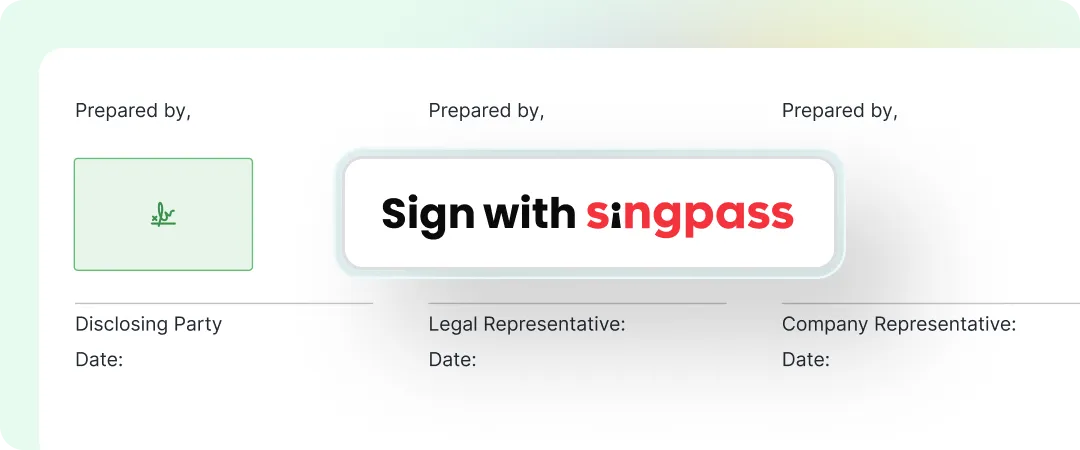
Authenticate signers instantly using Singapore’s official national digital identity framework.

Ensure your signed PDFs are automatically trusted and verified by Adobe Reader worldwide.

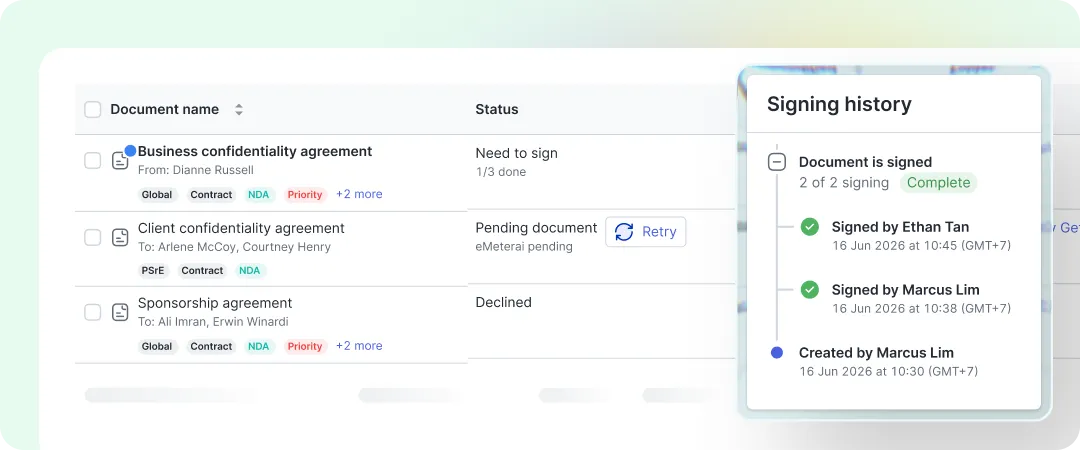
Manage e-signatures, bulk sending, contract tracking, and identity verification in one place.
Singpass digital signature
Singpass digital signatures, directly in your workflow

Instant Singpass verification
Signers authenticate using their trusted national ID. Zero extra identity checks needed.

Automated compliance & formatting
Singpass manages certificate validity and visual appearance automatically.

No Singpass needed for senders
Just upload and send. Only the recipient needs a Singpass account to sign.



How the digital signature of SingPass works
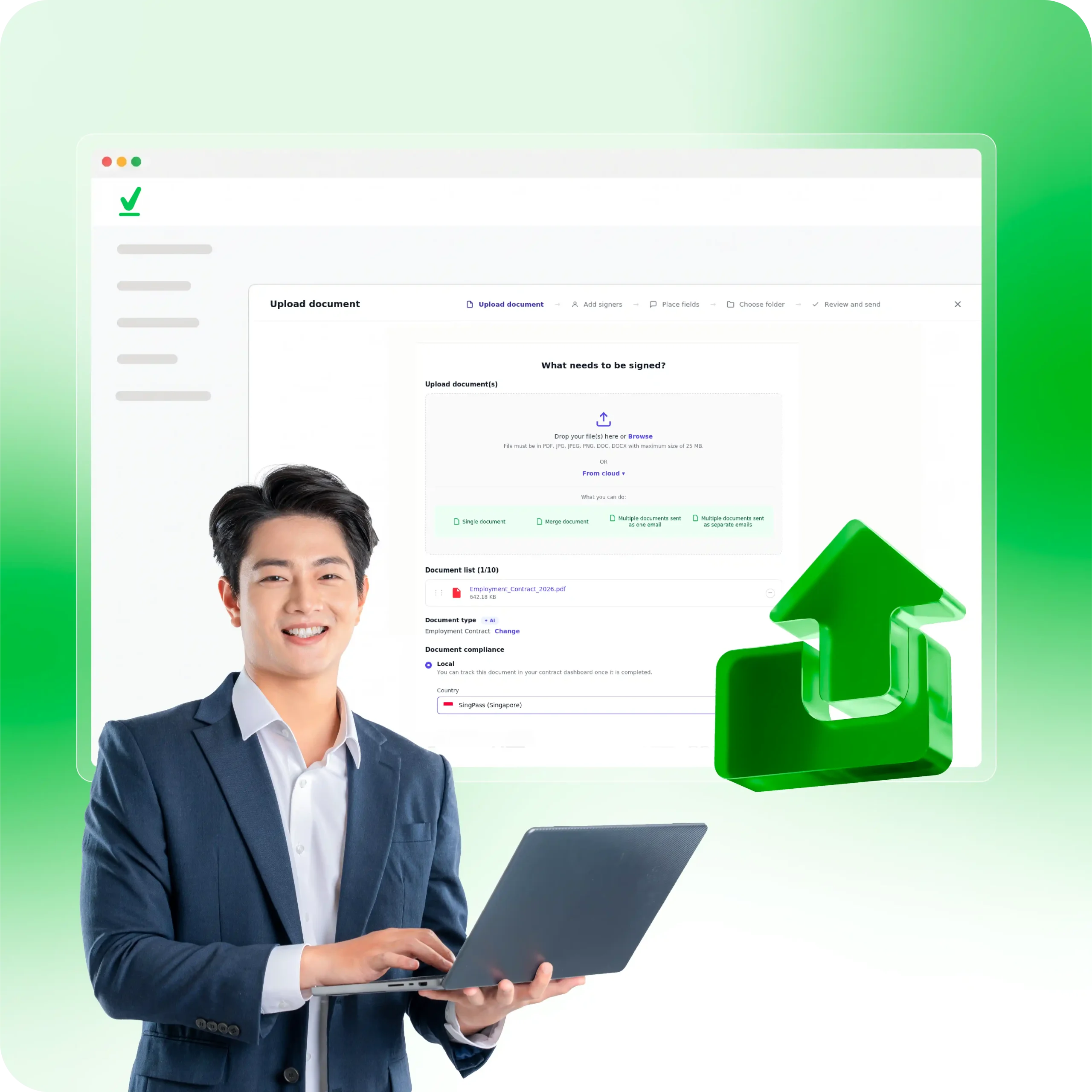
Step 1: Upload & set compliance
Click Upload document on your dashboard and add your file (up to 25 MB). Under Document compliance, select Local, then pick SingPass.
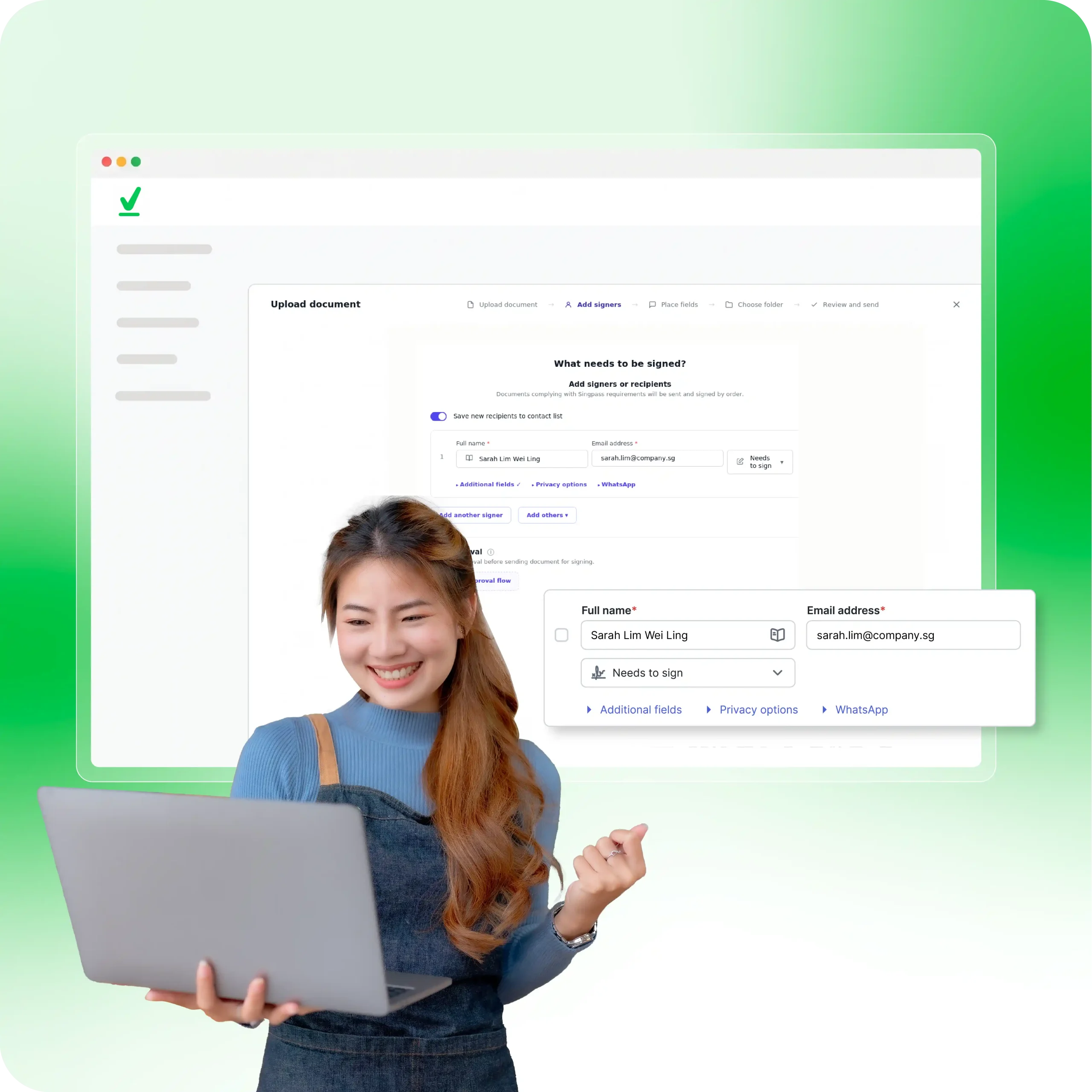
Step 2: Add signers
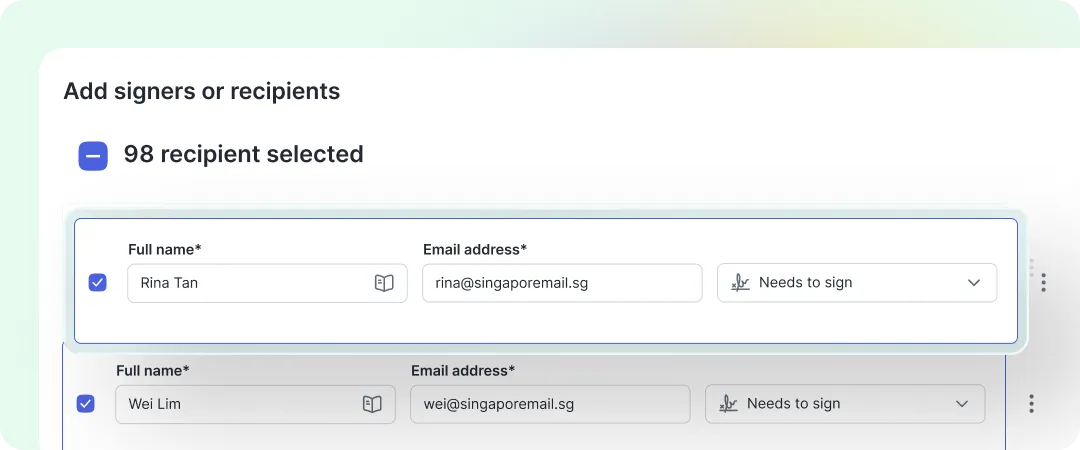
Enter each signer’s name and email, set their role to Needs to sign, and click continue.
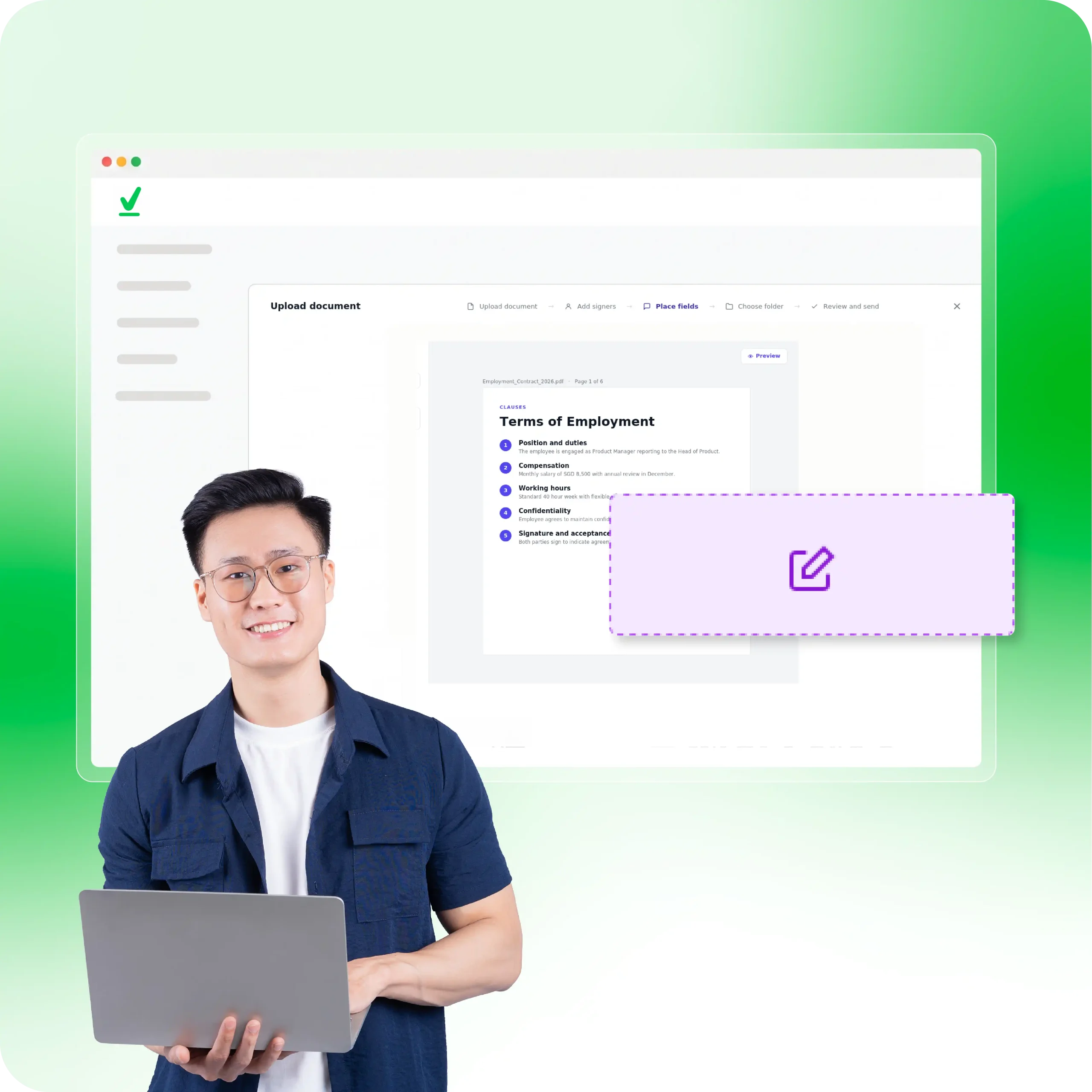
Step 3: Place signature fields
Drag the Signature field from the left panel onto the document page, then click Send.
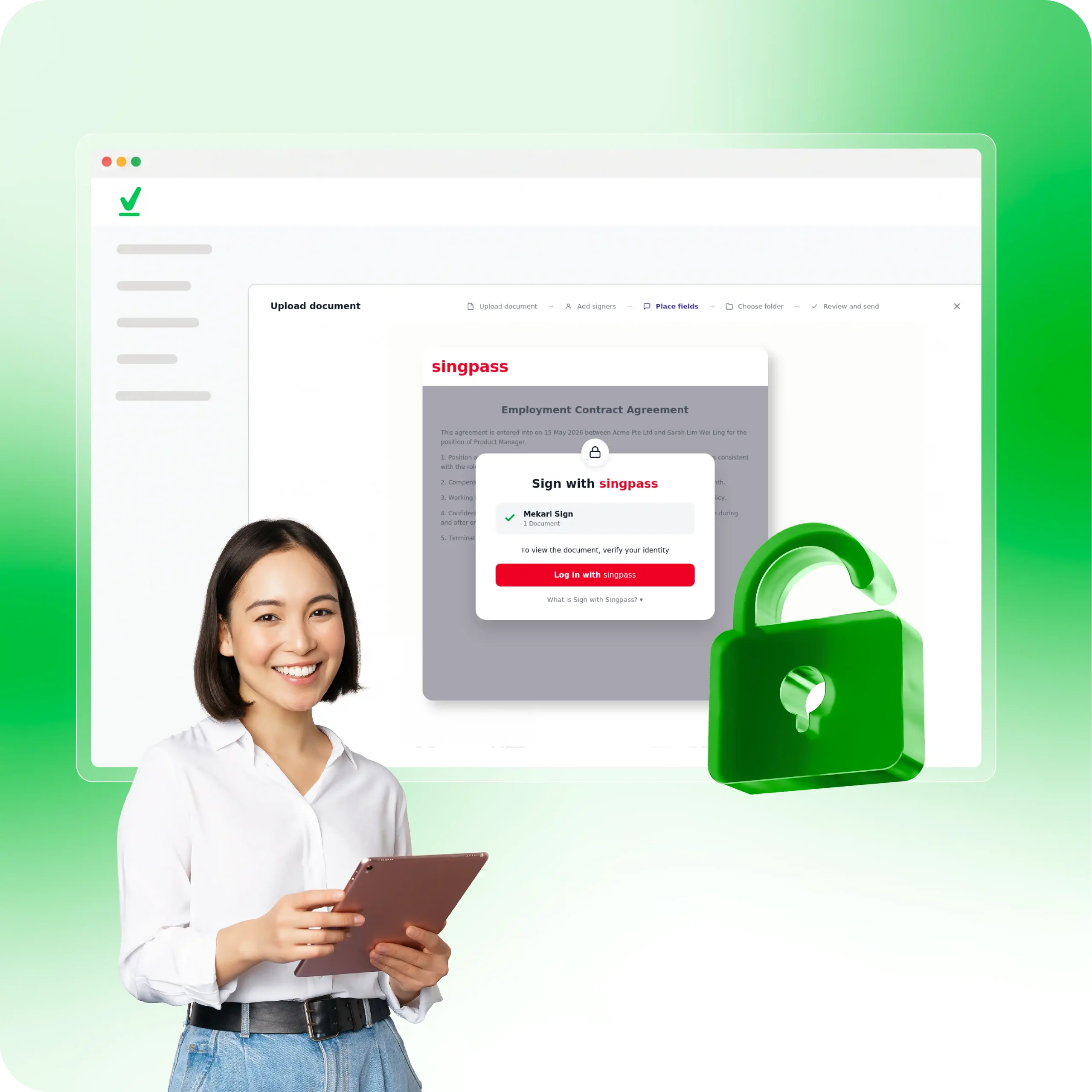
Step 4: Signer authentication
The recipient opens the link, clicks Log in with Singpass, and verifies using their Singpass app or password.
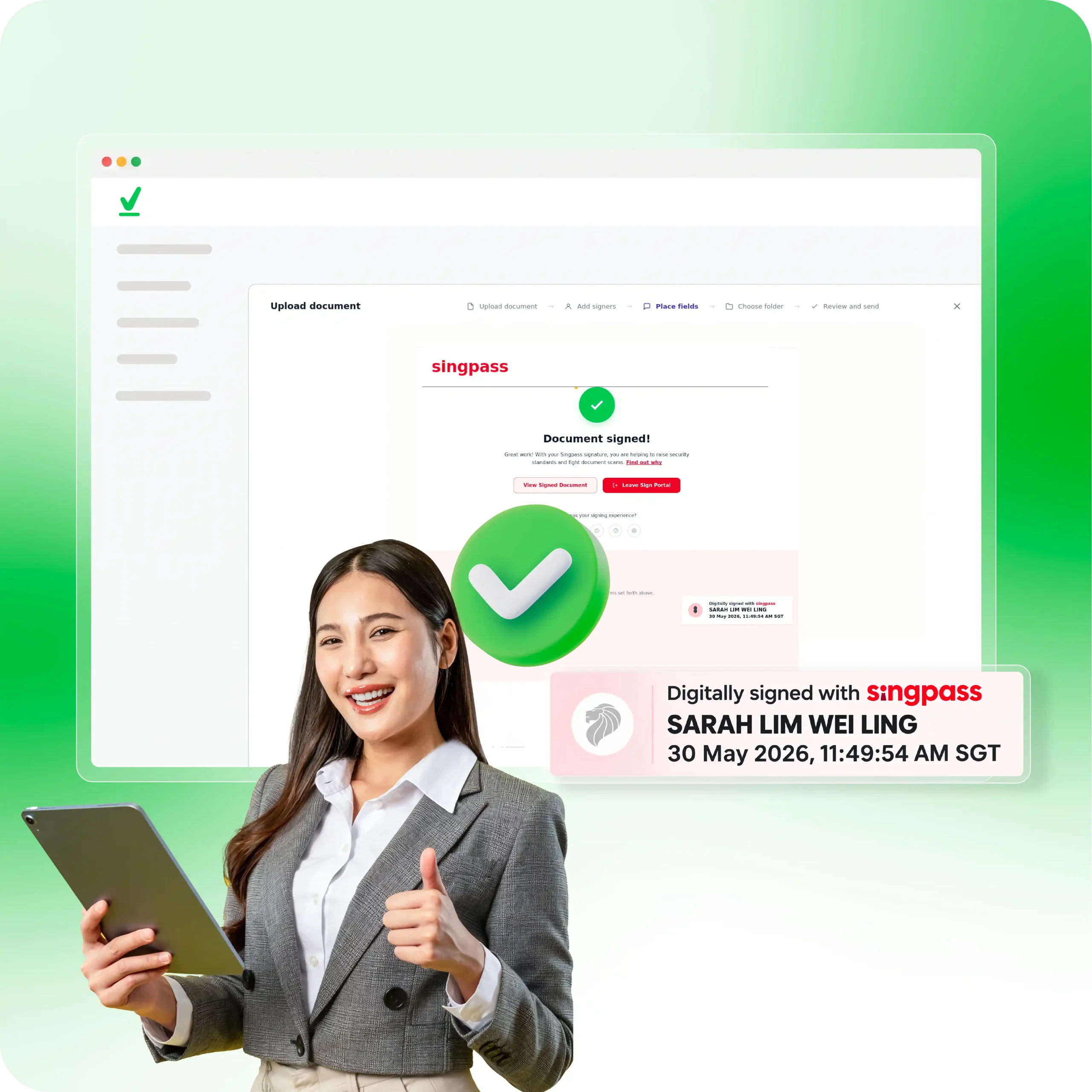
Step 5: Review & confirm
The signer clicks Proceed to Sign and scans the QR code with their Singpass app to complete the document stamp.
use case
Works across departments
Mekari Sign Singpass digital signatures work with HR contracts, vendor agreements, and sales deals.

Human Resources
Get employment contracts, NDAs and onboarding forms signed without anyone stepping into the office.
- Offers later & employment agreements
- Employee onboarding documents
- Non-disclosure agreements

Legal & Compliance
Handle vendor contracts, board resolutions, and regulatory documents with SingPass-verified signatures.
- Vendor & supplier contracts
- Board resolutions & meeting minutes
- Regulatory flings

Sales & Finance
Close deals on the same day. Send invoices, purchase orders, and service agreements for signing.
- Invoice & purchase orders
- Sales proposals and quotations
- Service & subscription agreements
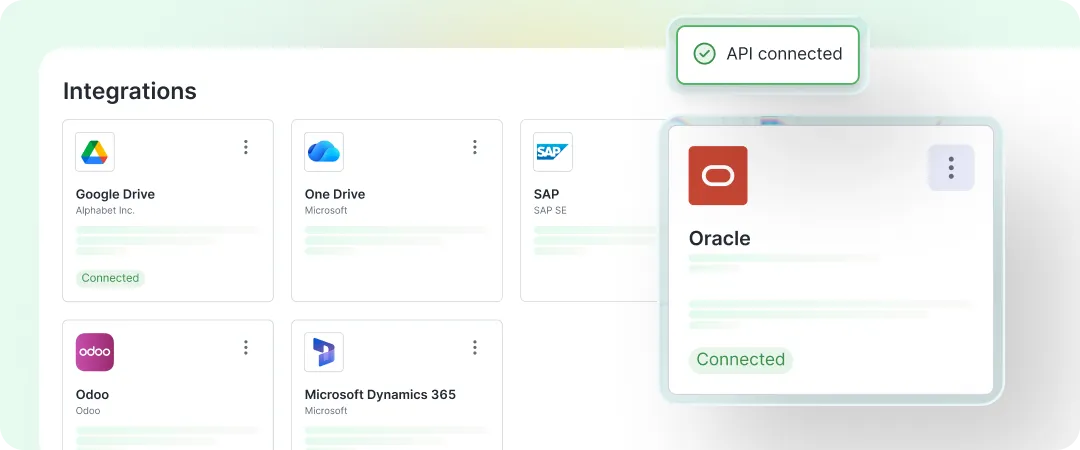
Connect directly with your business apps
Integrate e-signatures into your accounting, HR, and custom systems using APIs to automate document workflows.
The tangible results from our clients
Thousands of businesses across various industries use Mekari Sign to enhance efficiency, speed up responses, and meet all their digital document administration needs!

FAQ about Mekari Sign
What is Mekari Sign?
Mekari Sign is an AI-powered electronic document management platform that enables businesses to send, sign, and track electronic signatures, verify identity via Singpass, and automate document workflows.
What is Sign with Singpass?
Sign with Singpass is an official digital signature feature from the Singapore government that lets users sign documents electronically using the Singpass mobile app. The signer authenticates through the app before signing, so each signature is bound to a verified national digital identity rather than to a name typed into a form.
Because identity is confirmed at the moment of signing, documents signed this way carry a stronger evidentiary position than a typed or drawn signature, and are recognised under Singapore’s Electronic Transactions Act.
Mekari Sign supports Sign with Singpass directly in its dashboard, so signers verify and sign in one flow without leaving the document.
What is the difference between a standard electronic signature and a Singpass-verified signature?
Both are recognised under Singapore’s Electronic Transactions Act, but they differ in how much certainty they carry.
Standard electronic signature: A typed name, drawn mark, or uploaded image. Simple to apply, suitable for low-risk internal documents, but offers no proof of who applied it.
Singpass-verified signature: The signer authenticates against their national digital identity before signing, producing a record of exactly who signed and when.
For high-value contracts, regulated transactions, or any agreement likely to face scrutiny, the second is the safer choice. Mekari Sign supports both, so the level of verification can be matched to the risk of each document.
Are Mekari Sign Singpass electronic signatures legally binding in Singapore?
Yes. Signatures completed via Singpass on Mekari Sign comply with Singapore’s Electronic Transactions Act (ETA), making them legally binding and recognized for commercial and official use.
Do senders need a Singpass account to send documents?
No. Only the signer needs a Singpass account to authenticate their identity. Senders can prepare and issue documents directly through the Mekari Sign dashboard.
Can Mekari Sign integrate with custom business systems?
Yes. Mekari Sign offers APIs and ready integrations to connect e-signatures directly with your existing HR, finance, or CRM platforms.
How does Mekari Sign ensure document security?
Documents are protected using AES-256 encryption, Adobe AATL verification, and enterprise-grade compliance standards to guarantee data integrity and audit readiness.
How can a company get started with Mekari Sign?
You can start by requesting a demo through our Book a Demo page or signing up for a free trial to explore our document workflow features.
Start signing your documents with Mekari Sign today
Fast, secure, and legally binding e-signatures for your business.