




Mekari Sign
- Legally valid and recognized under the ITE Law through a PSrE
- Signer identity verification (e-KYC)
- Locked documents, so any change is detected instantly
- Complete audit trail: who, when, and where
- Comes with official e-Meterai & e-Stamp
Enter the name, job title, company, and date. Your QR code signature is generated instantly.
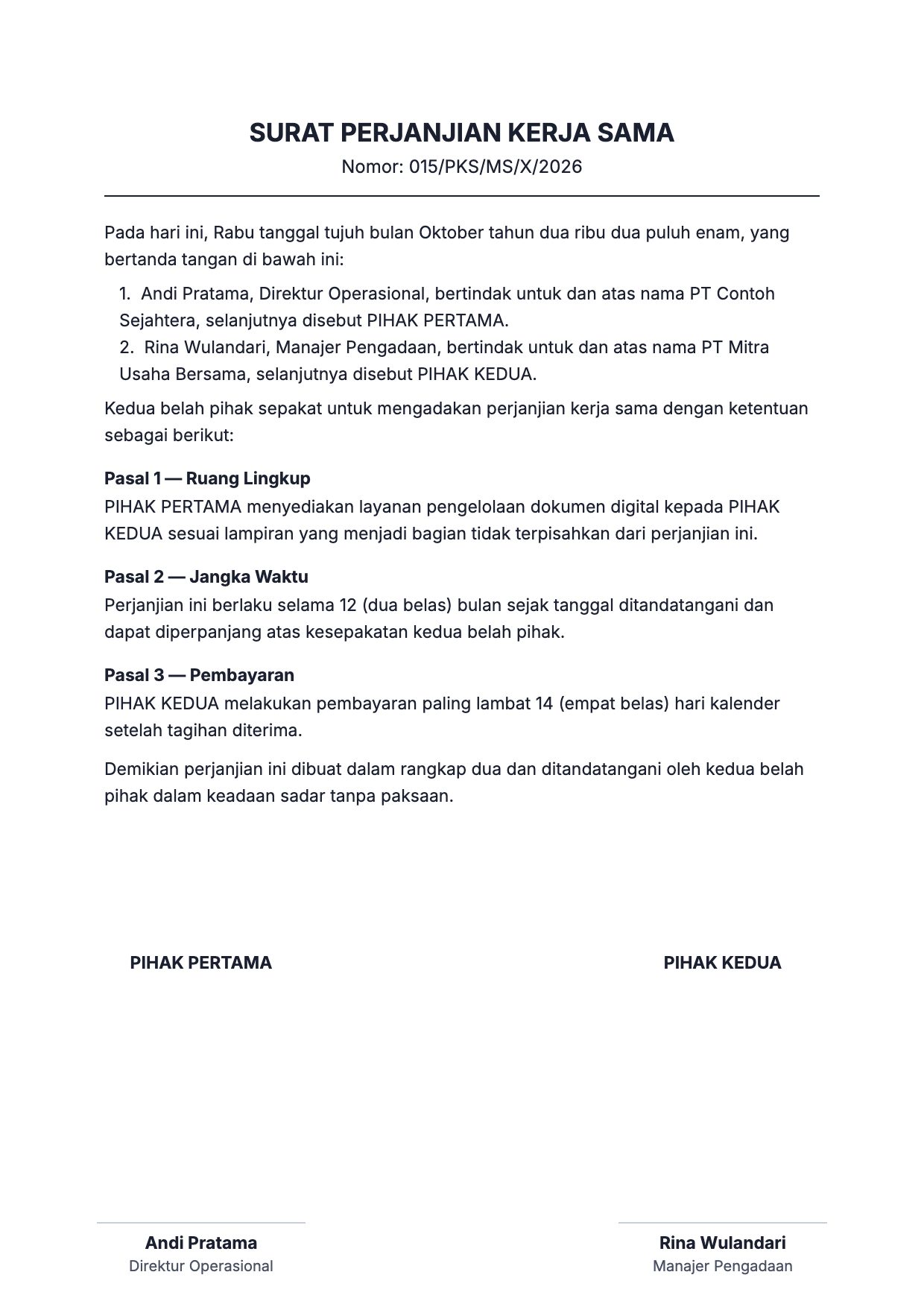
Upload a PDF, JPG, or PNG, then drag the QR code onto the signature field and adjust its size.
Download the QR code for free as PNG or SVG. For legally binding signed documents, subscribe to Mekari Sign.
A QR code signature from a generator only stores information, and anyone can create one on someone else’s behalf. For contracts and legal documents, you need a digital signature with a verified identity.
Mark a manager's approval on decision letters, memos, and dispositions.
Add the identity of the party issuing the invoice or proof of payment.
Add the signer's QR code to training and event certificates.
Speed up goods handover with signer details that are easy to scan.
A QR code signature from a generator only stores information, and anyone can create one on someone else's behalf. For contracts and legal documents, you need a digital signature with a verified identity.
Sign documents electronically from anywhere with PSrE certification, legally binding.
Add the official Peruri e-Meterai directly to your documents.
Automatic reminders for contracts that are about to expire.
A QR code signature is a QR code that contains information about a document’s signer, such as their full name, job title, company name, and signing date. When it is scanned with a phone camera, this information is displayed, so readers immediately know who approved the document.
With the Mekari Sign QR code generator, you can create a QR code signature online for free, then place it directly on letters, invoices, certificates, or internal documents in PDF or image format.
Fill in the signer details in the Create QR code panel, then click Upload document and choose your PDF file. Drag the QR code onto the signature field, adjust its size with the QR size slider or the QR’s bottom-right corner, then click Download Document. Everything runs in your browser, so your document is not uploaded to a server.
A QR code signature only stores the signer’s information, so anyone can create one and the identity isn’t verified. A certified digital signature in Mekari Sign verifies the signer’s identity (e-KYC), locks the document so any change to its content is detected instantly, and is legally valid under the ITE Law through a PSrE.
Payment method information for each Mekari Sign plan is available on the Pricing page. Our team is also ready to help you choose the right plan and payment method.
Mekari is an Indonesian software-as-a-service (SaaS) company that provides a range of business solutions, including Mekari Sign for digital signatures and e-Meterai.
You can sign up for an account online or contact the Mekari team to find a plan that fits your business needs.
No. Each Mekari product can be used on its own, based on your business needs.
Yes. You can try Mekari Sign for free by signing up for an account.
Mekari Sign is designed for businesses that need legally valid digital signatures and e-Meterai. Contact our team to discuss your company’s needs.
Get more work done without compromising on speed and accuracy with complete solutions from Mekari that are trusted by thousands of businesses.
WhatsApp Sales