









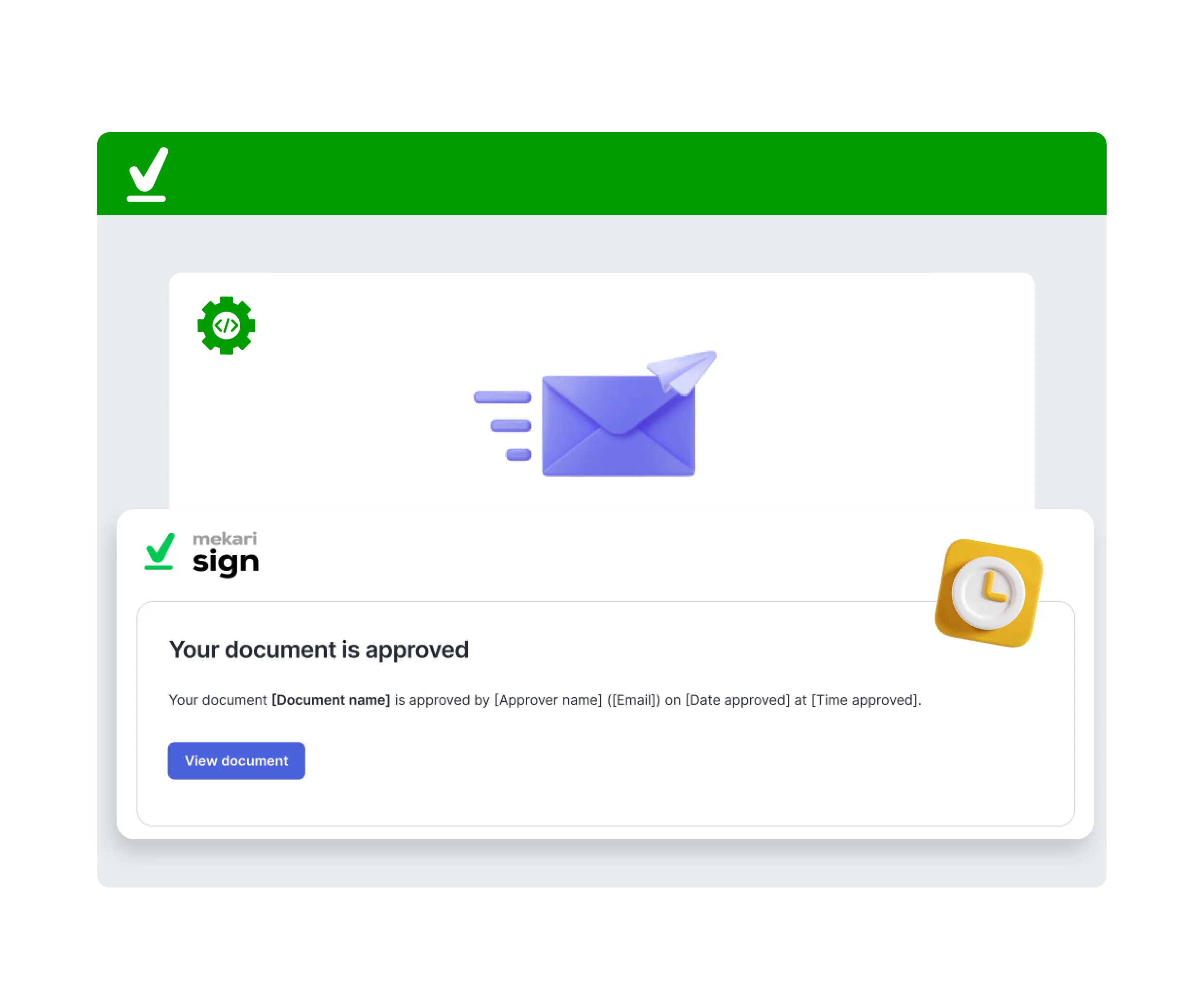
Automated API Signing

Zero-Touch Execution. Sign Automatically the Moment Document Arrives.

Eliminate manual reviews with API-driven AutoSign. Instantly sign incoming documents upon receipt, allowing for fully automated, high-volume processing without human intervention.

Images by Mekari e-sign

Streamlined Document Integration Workflow

Mekari Jurnal
Register Signer Identity

Securely enroll authorized
signer’s digital identity
into the Mekari Sign API

Mekari Jurnal
Authorize Usage

Execute the consent
agreement to formally
enable automated signing

Mekari Jurnal
Configure API Setup

Complete the technical API
to fully connect the AutoSign
endpoints with your systems

Mekari Jurnal
Signing Automation

Once live, the system
will automatically all
triggered documents

Mekari Jurnal

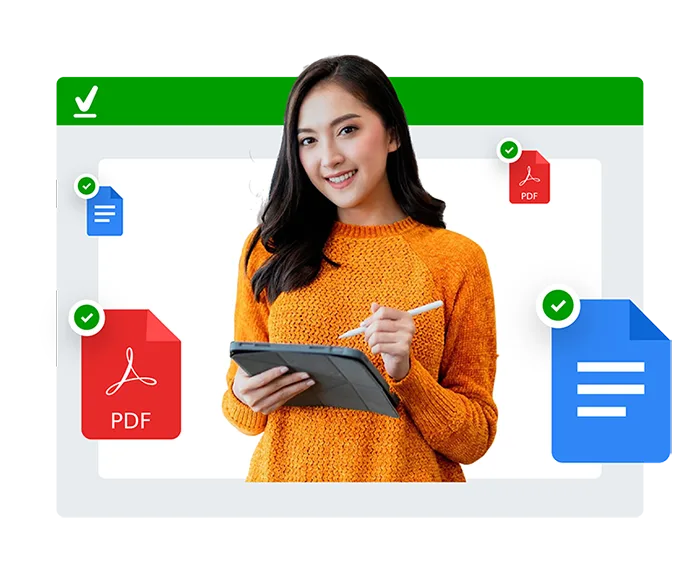
Execute Without Opening Documents with API Signing

  • Headless API engine for fully automated background signing
  • Instant execution: system signs immediately upon data receipt
  • Supports multiple signature formats (Draw, Type, and QR Code)
  • Automated reporting dashboard to monitor signing status in real-time
Mekari Jurnal

Streamline Workflows for Key Business Stakeholders

  • Pre-authorize documents for immediate, automated execution
  • Ideal for high-volume approvers, Directors, and Team Leaders
  • Reduce operational overhead and accelerate turnaround time.

Secure and Legally Binding Agreement Software

Mekari Sign is fully compliant with secure digital signature regulations

Adobe Approved Trust List (AATL)
Entrusted with Singpass Verification
Licensed by Trustgate Certificate Authority (CA)
Certified Indonesia's Certificate Authority (CA)

Seamlessly Integrate AutoSign API in 5 Steps

  1. Request Sandbox Environment

    Submit your registration details here to initiate the provisioning process.

  2. Account Validation

    Our technical team will verify your credentials and contact you to finalize the account activation.

  3. Access Developer Dashboard

    Log in with your secure credentials to enter the Developer Sandbox environment.

  4. Generate Bearer Token

    Create and authenticate your Bearer Token using Postman or your preferred API client to establish connection.

  5. Test API Functionality

    Explore the comprehensive features and review the functional capabilities of the Digital Stamp & Signing API.

Scalable Signing Infrastructure for Agile Business Needs

Scale your approval process and automate document execution effortlessly. Accelerate turnaround times with flexible API while ensuring strict compliance & certifications.

  • Access to comprehensive API documentation
  • Multi-language programming support
  • Build customizable approval workflows
var client = new HttpClient();
var request = new HttpRequestMessage(HttpMethod.Post, "https://sandbox-api.mekari.com/v2/esign/v1/documents/stamp");
var content = new StringContent("", null, "text/plain");
request.Content = content;
var response = await client.SendAsync(request);
response.EnsureSuccessStatusCode();
Console.WriteLine(await response.Content.ReadAsStringAsync());
var myHeaders = new Headers();

var raw = "";

var requestOptions = {
  method: 'POST',
  headers: myHeaders,
  body: raw,
  redirect: 'follow'
};

fetch("https://sandbox-api.mekari.com/v2/esign/v1/documents/stamp", requestOptions)
  .then(response => response.text())
  .then(result => console.log(result))
  .catch(error => console.log('error', error));
import requests

url = "https://sandbox-api.mekari.com/v2/esign/v1/documents/stamp"

payload = ""
headers = {

}

response = requests.request("POST", url, headers=headers, data=payload)

print(response.text)
require "uri"
require "net/http"

url = URI("https://sandbox-api.mekari.com/v2/esign/v1/documents/stamp")

https = Net::HTTP.new(url.host, url.port)
https.use_ssl = true

request = Net::HTTP::Post.new(url)

response = https.request(request)
puts response.read_body
var axios = require('axios');
var data = '';

var config = {
  method: 'post',
maxBodyLength: Infinity,
  url: 'https://sandbox-api.mekari.com/v2/esign/v1/documents/stamp',
  headers: { },
  data : data
};

axios(config)
.then(function (response) {
  console.log(JSON.stringify(response.data));
})
.catch(function (error) {
  console.log(error);
});

More Than 35.000+ Companies from Various Industries Have Trusted Mekari

Images by Mekari e-sign
Frequently Asked Questions (FAQ)

What is the AutoSign API Feature?

Autosign is an API-driven capability designed to fully automate the signing process. Once configured, authorized signatories can instantly execute documents upon receipt without manual intervention.

Note: This feature strictly automates the signing action based on pre-approval; it does not bypass necessary internal review protocols.

Who is the ideal user for AutoSign API?

This solution is optimized for high-level stakeholders (e.g., Directors, Managers) responsible for high-volume approvals. It eliminates repetitive manual tasks by automating the execution of routine, pre-validated agreements.

First, the designated signatory executes a formal Consent Agreement to authorize automated actions. Next, they configure their digital signature style. Once activated, the system will automatically affix their signature to any valid document request triggering the API.

Absolutely. All data is protected within Mekari Sign’s enterprise-grade security infrastructure. The pre-signed Consent Agreement ensures legal validity and strictly limits the system to sign only documents specifically routed to the authorized user, preventing unauthorized usage.

You will receive an automated weekly summary report detailing all documents executed via Autosign. This ensures you maintain full visibility and control over your digital signature activity.

Accelerate Your Business Growth with Mekari Sign

Get more work done without compromising accuracy & speed with the complete solution from Mekari, trusted by thousands of businesses

WhatsApp WhatsApp Sales