






Send WhatsApp Contracts Directly from Your CRM
- Integrate WhatsApp signing workflow to preferred apps
- Generate and track links without leaving your CRM
- Instantly sync signed document status in one dashboard

















Instant distribution and effortless execution, manage the agreement journey directly on the channel your clients use most.


Input the details of the signer and other recipients.

Add the WhatsApp numbers of all relevant parties.

Place the signature fields and send them via WhatsApp.
Open the WhatsApp app and sign the document directly.
Mekari Sign complies with the legal requirements for secure digital signatures.




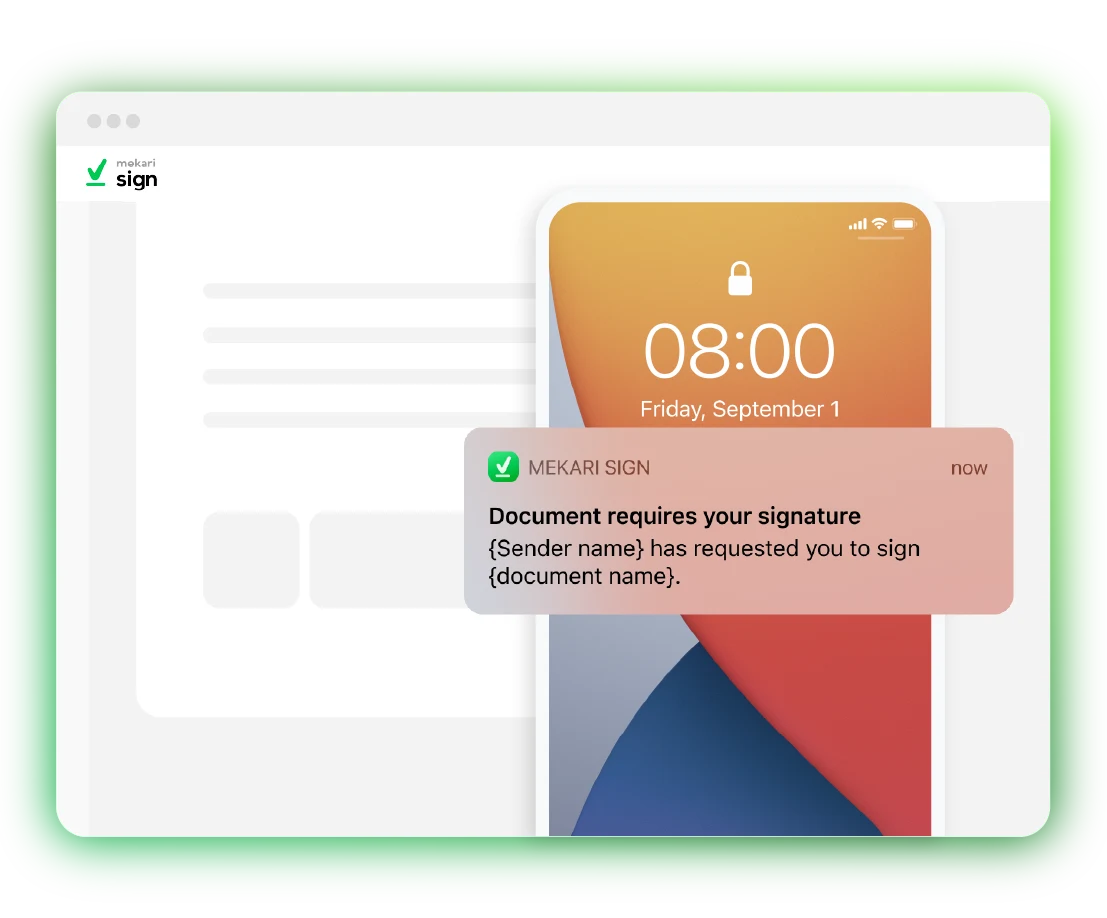
WhatsApp delivery allows you to send signature requests through the WhatsApp chat application. With real-time notifications, avoid delays in document signing.
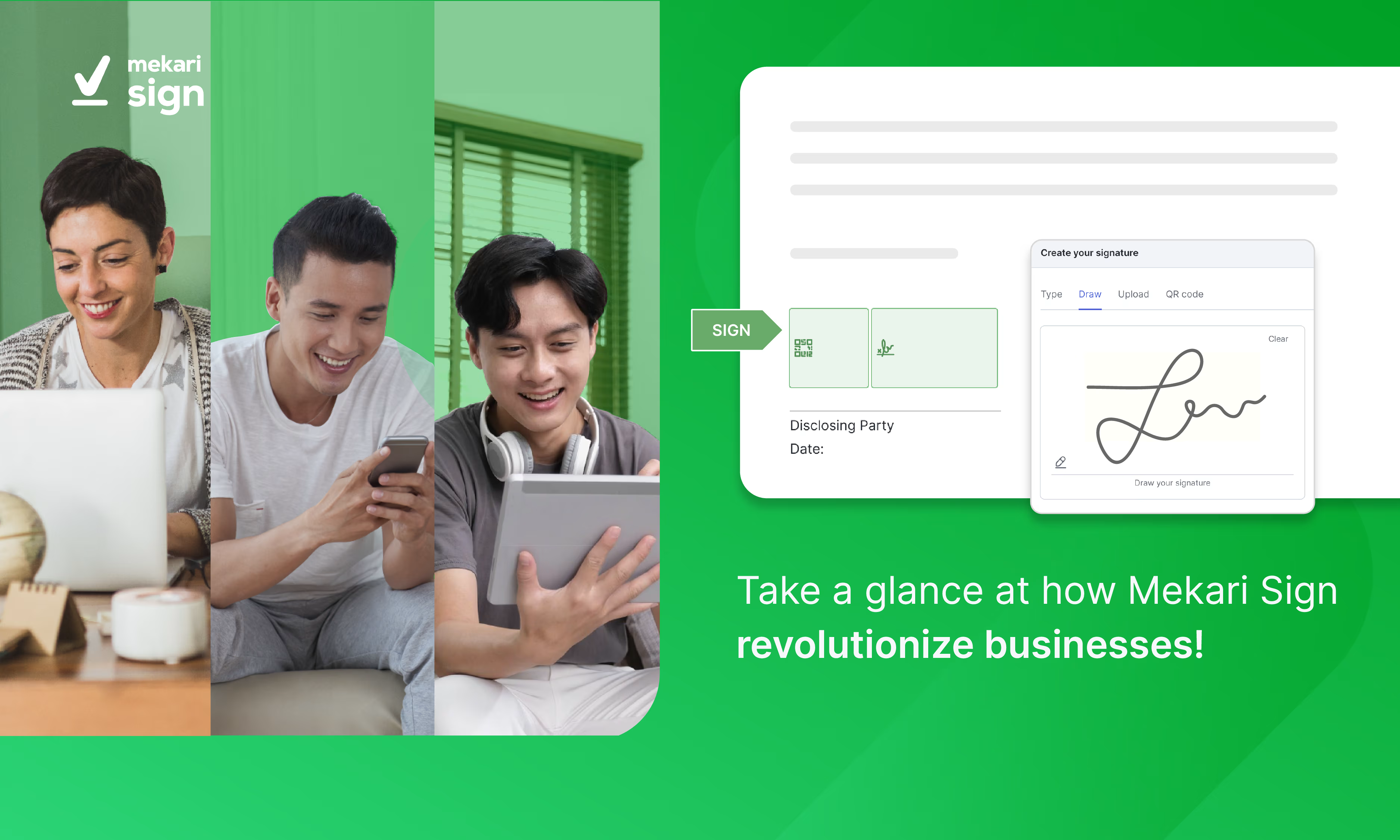
Create and send eSignature via WhatsApp can be done by these simple steps:
Done! The document signing is completed.
Yes, once you click “Send” in the Mekari Sign app, the documents will be automatically sent to all parties. Signers will receive a WhatsApp message from the “Mekari Sign” account.
As long as you have a WhatsApp sending quota and the number entered is an active WhatsApp number, you can send the signature requests through WhatsApp.
The WhatsApp sending quota is the number of WhatsApp messages you have available to send requests to signers. Your signature request messages cannot be sent if you don’t have a quota.
You can top up for IDR 400,00 per message to obtain a WhatsApp sending quota. The quota will be deducted each time a signature request message is sent.
Mekari Sign is integrated with the WhatsApp API, where automatic message delivery via the WhatsApp API incurs a fee per message sent.
Get more work done without compromising accuracy & speed with the complete solution from Mekari, trusted by thousands of businesses.


 WhatsApp Sales


Our team will contact you soon.
Please wait and make sure your contact is active.
