



Approve documents in 4 simple steps
Prepare documents
Upload the files
to be processed
for approval
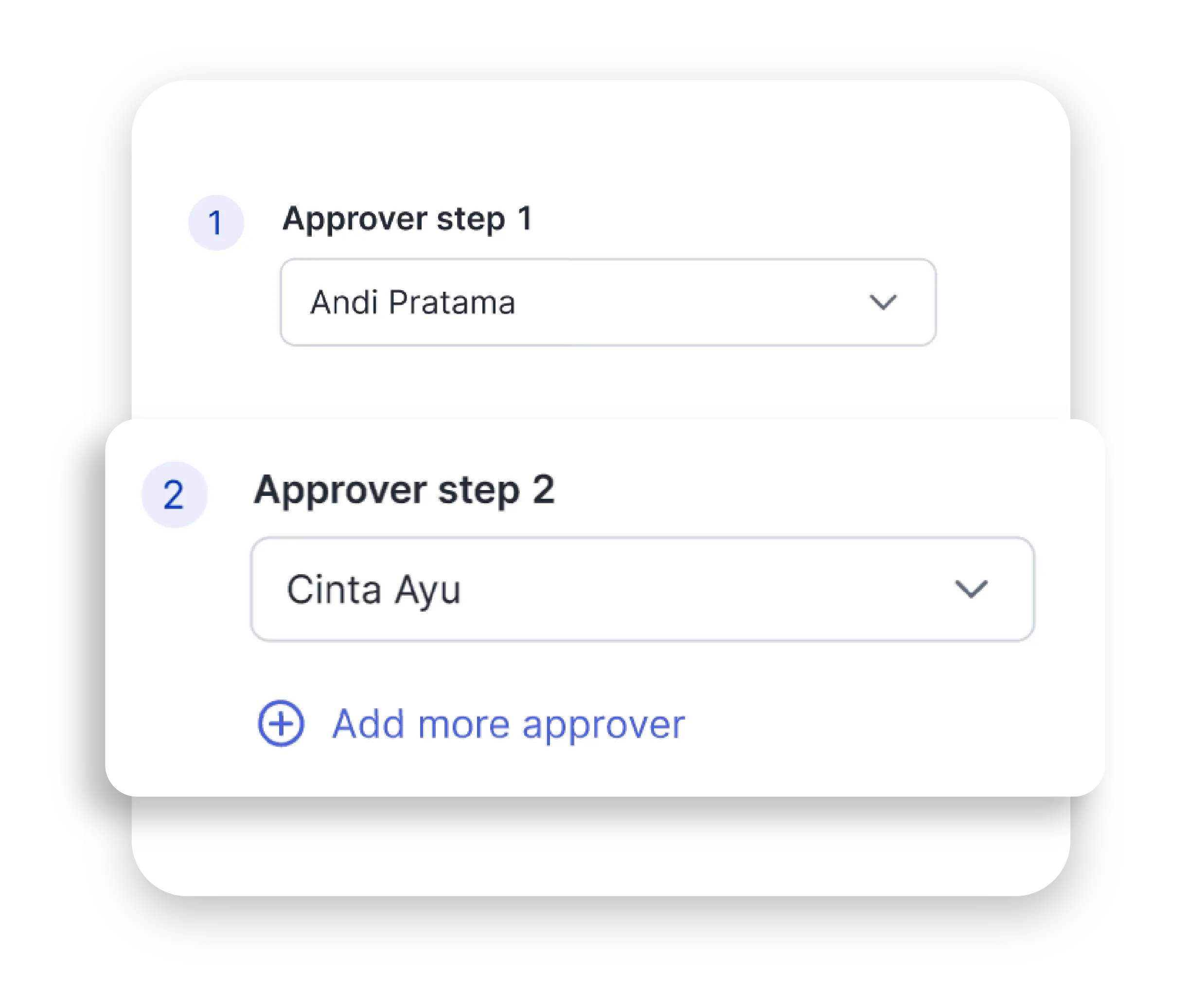
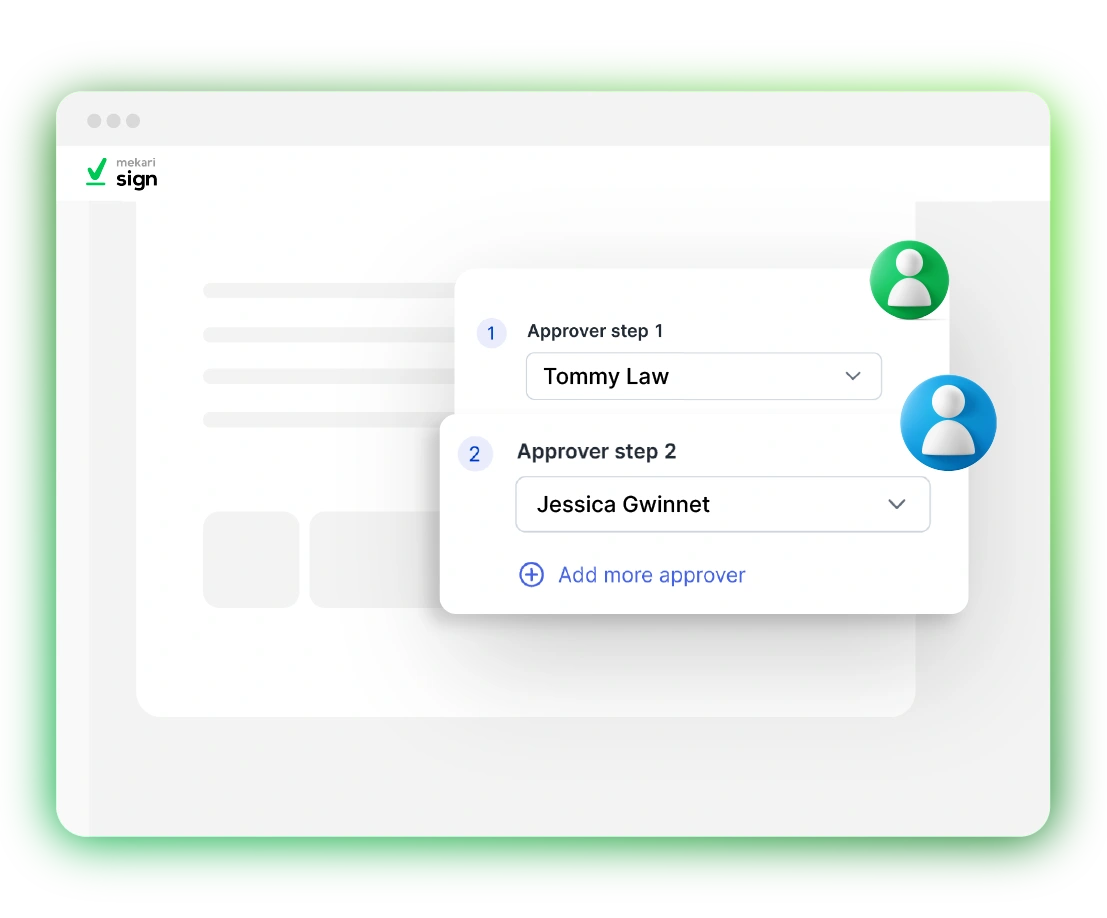
Set approval layers
Define the approving
parties and set
the sequence order
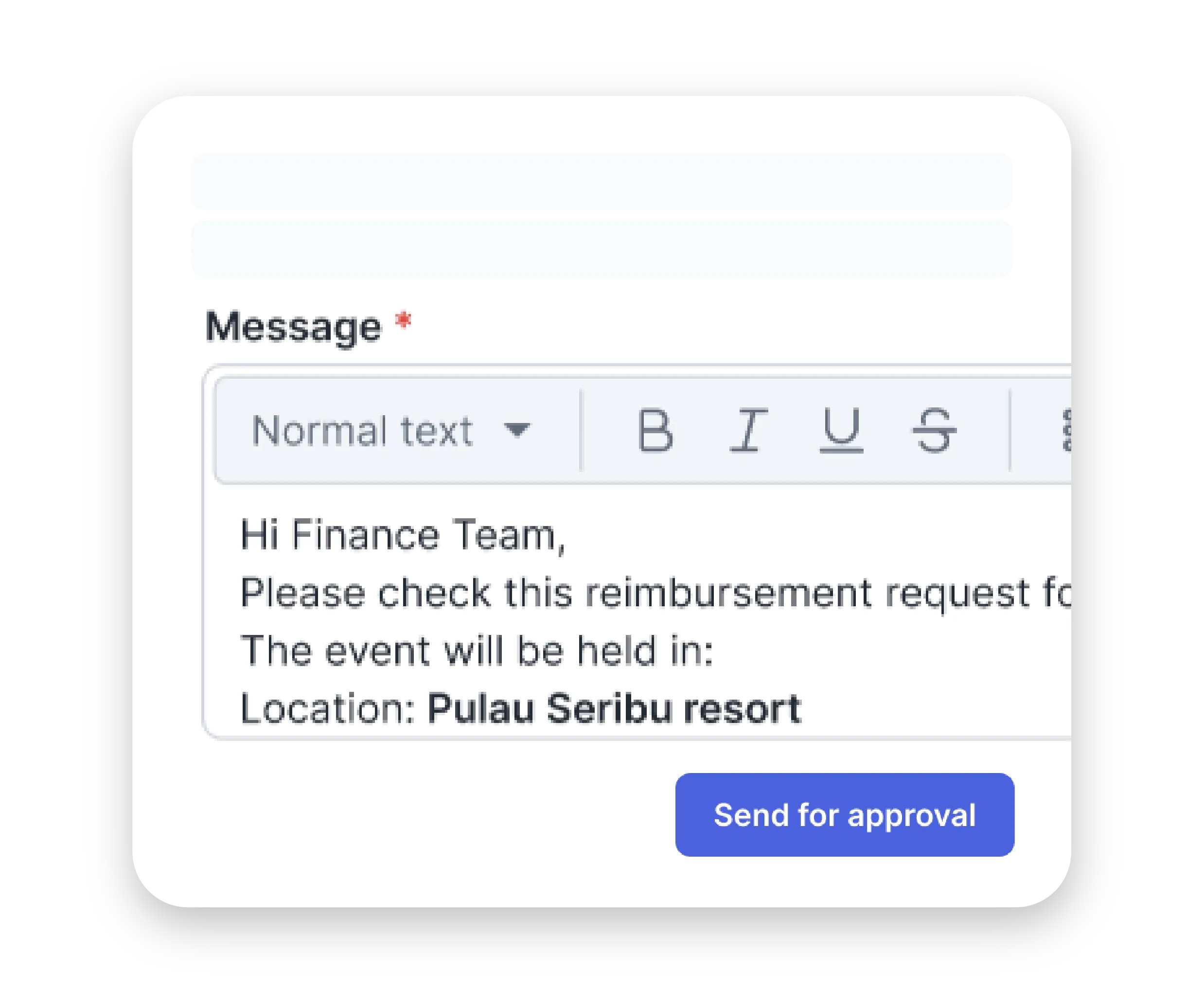
Send approval request
Customize approval
schemes with or
without files as needed
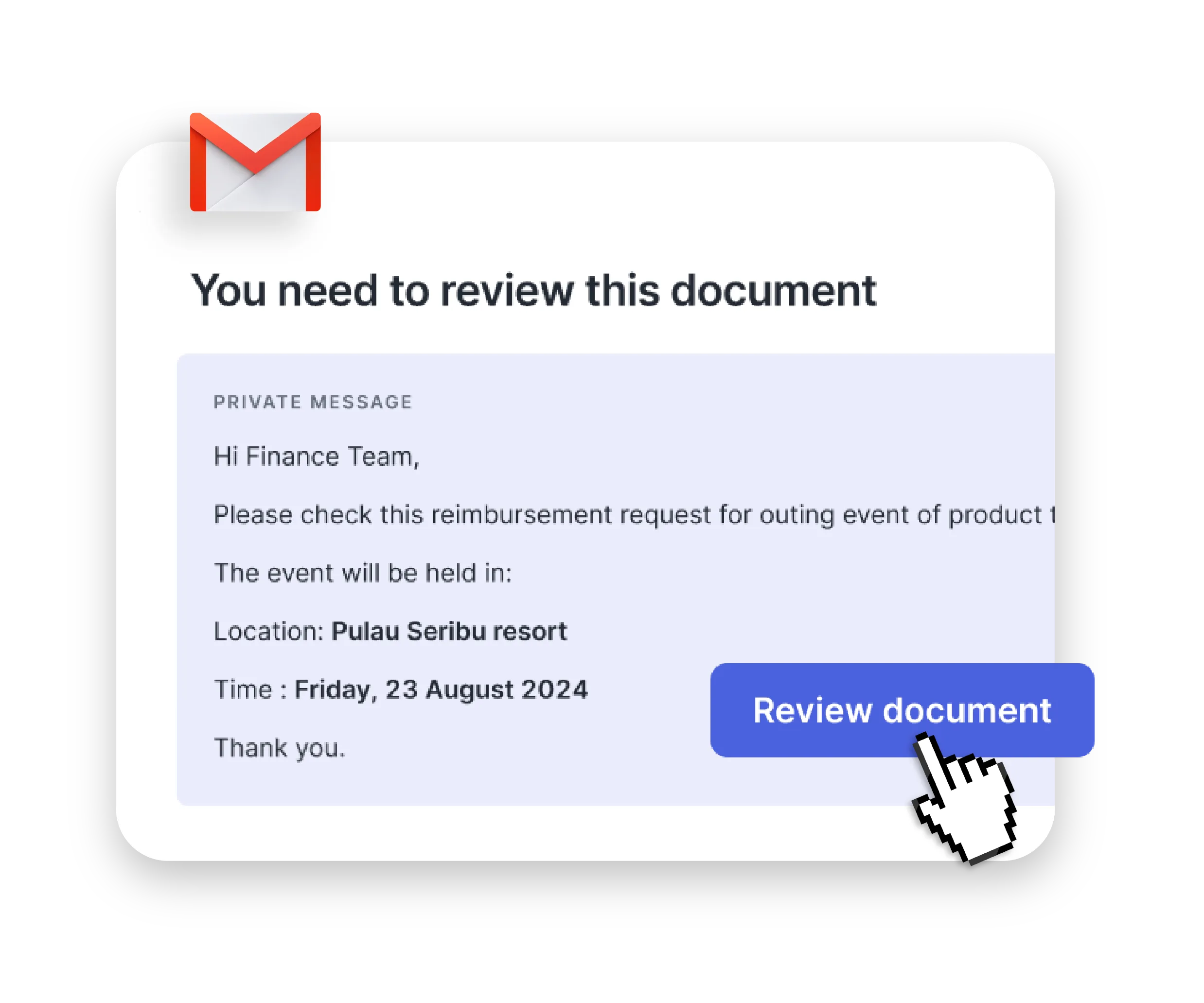
Approve instantly
Approvers receive
notifications and
can approve instantly
Flexible approval schemes
See more info
Close info
Request and complete digital approvals using highly efficient & flexible workflows
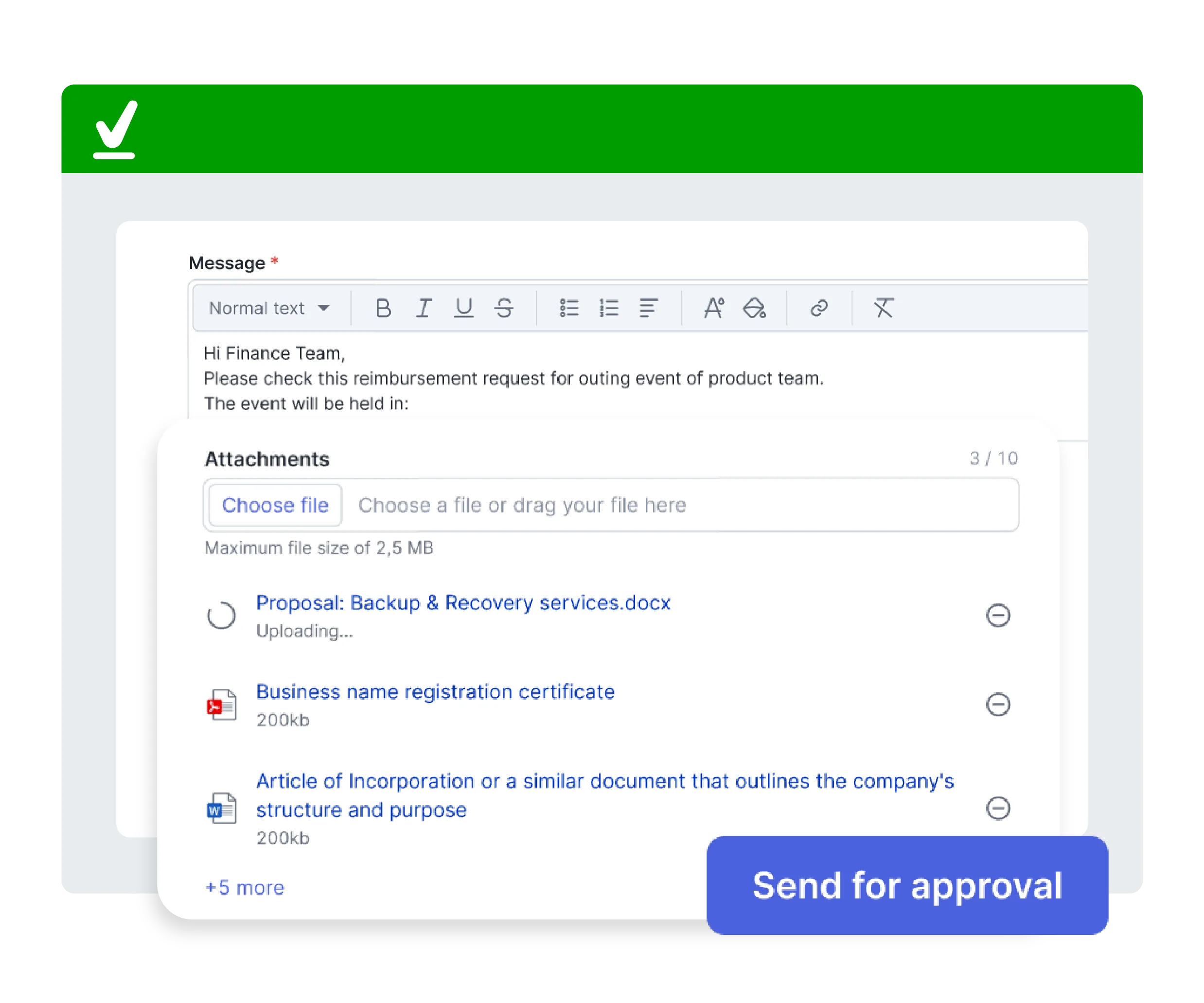
Request approvals alongside document processing
- Upload documents to the Mekari Sign dashboard
- Configure approvers and approval layers as needed
- Send documents along with the approval request
- Signing executes once all approvals are secured
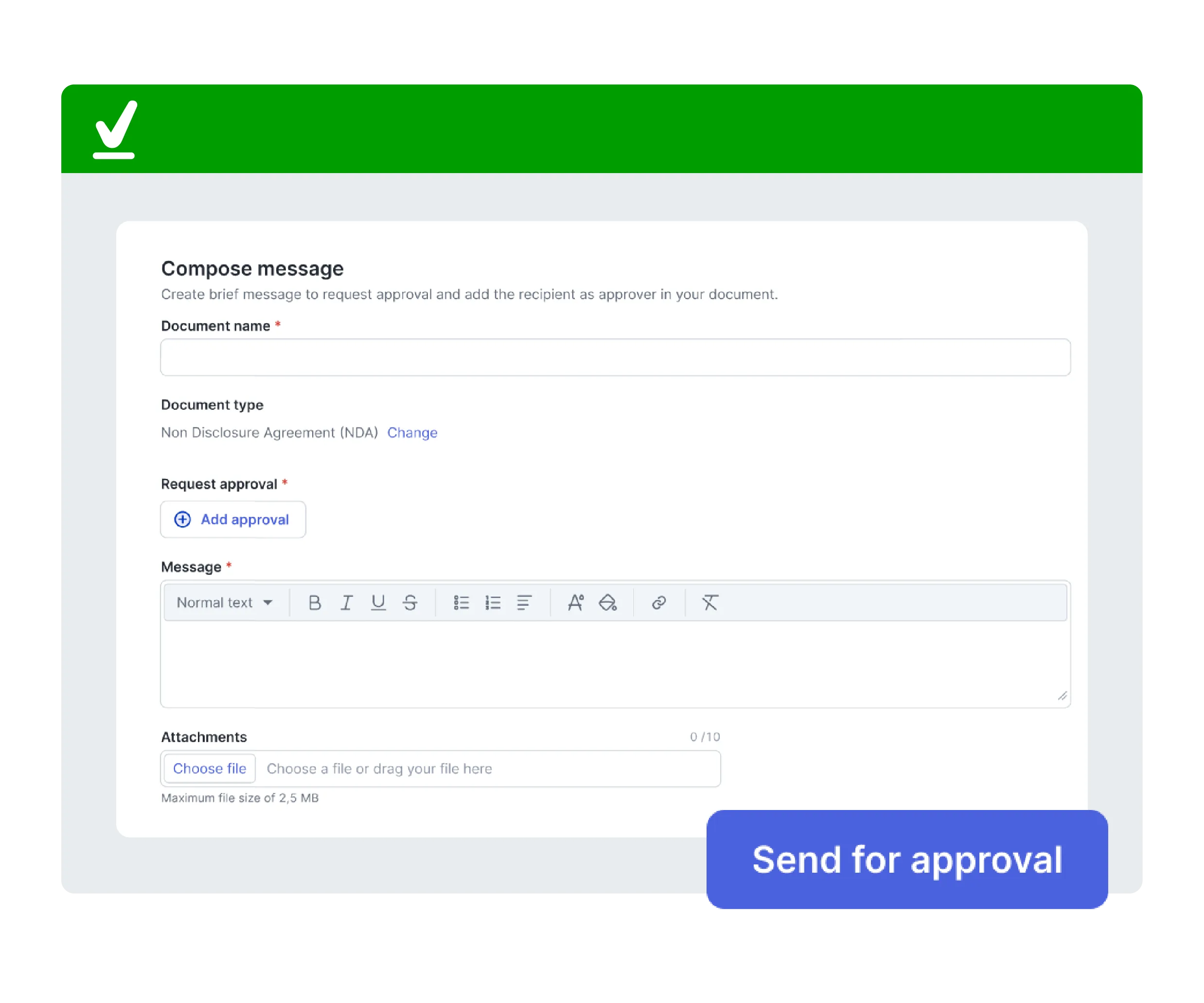
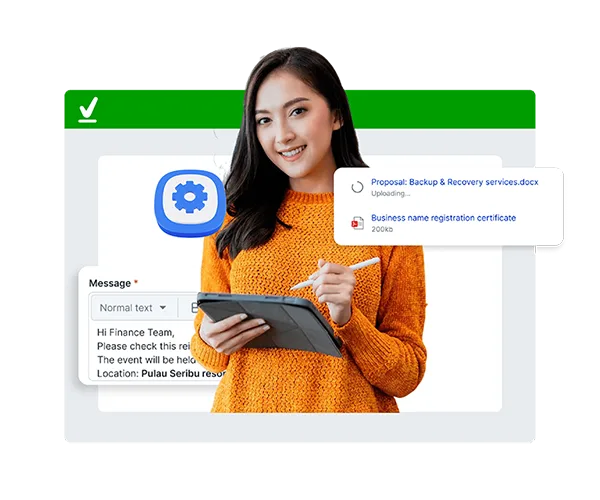
Request approvals via a simple approval message
- Customize your specific approval request message
- Include additional attachments if necessary
- Send approval requests to designated approvers
- Once finalized, approvals are logged in the audit trail
Secure and legally binding digital signatures
Mekari Sign is fully compliant with secure digital signature regulations

Adobe Approved Trust List (AATL)


Entrusted with Singpass Verification
Licensed by Trustgate Certificate Authority (CA)
Why your team needs the Approval feature
Digital document approval accelerates administration across all business sectors. Here are the key benefits of using it:

Secure approval processes
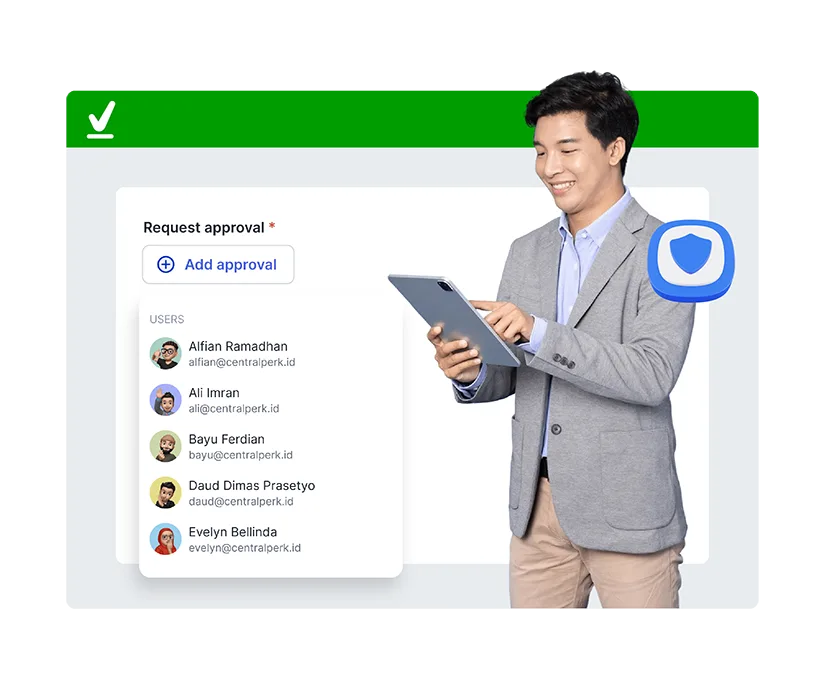
Secure approval processes
Every request is structured and clearly logged, ensuring only authorized parties grant approval—backed by a comprehensive audit trail.
Organized approval archives
Organized approval archives
All approval history is documented in a centralized dashboard, enabling real-time tracking of status and accountability for every party.
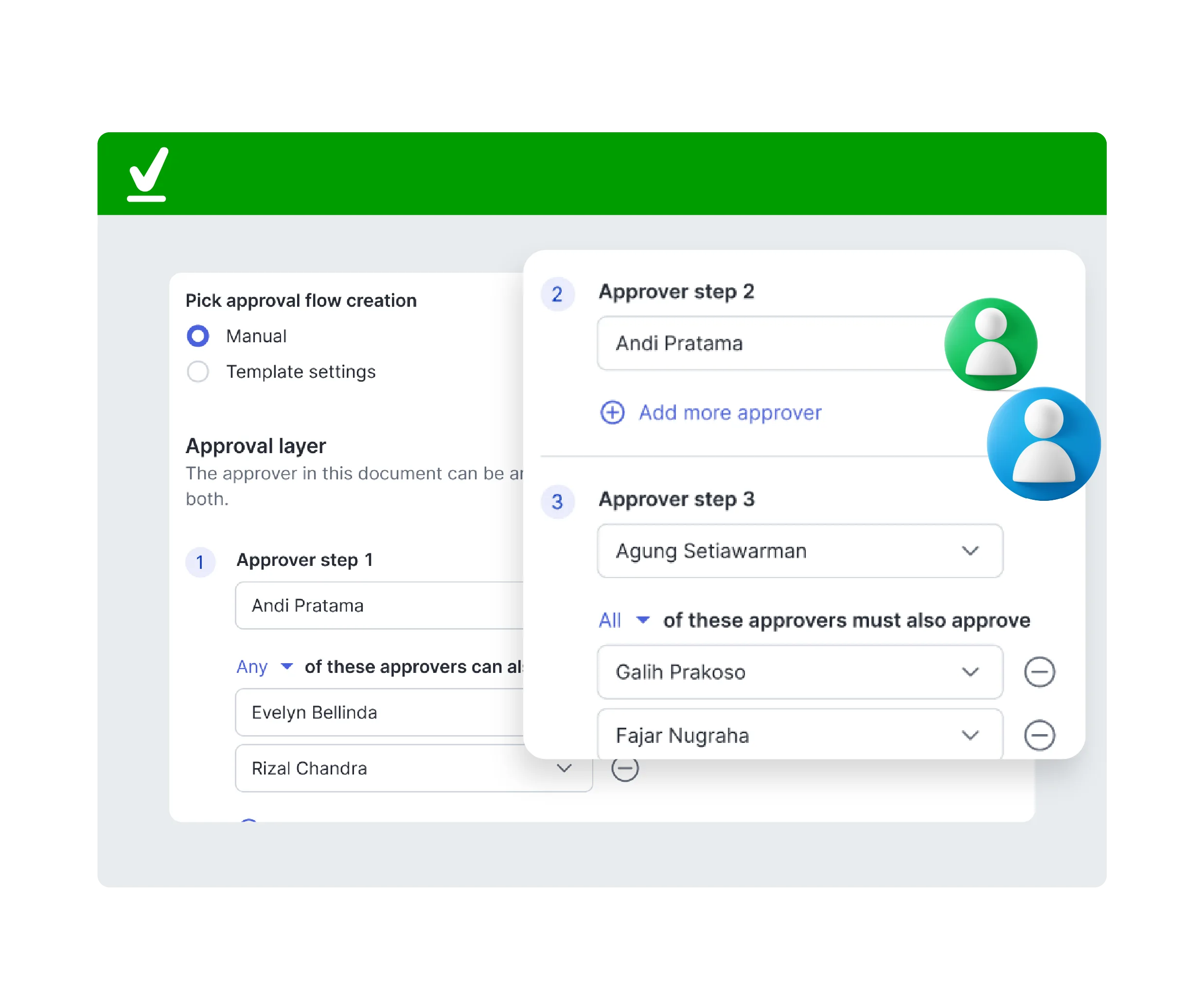
Flexible for diverse schemes
Flexible for diverse schemes
Configure multi-layer flows to fit your organization, whether linear, parallel, or sequential. Ideal for complex team structures.
Accelerate processes remotely
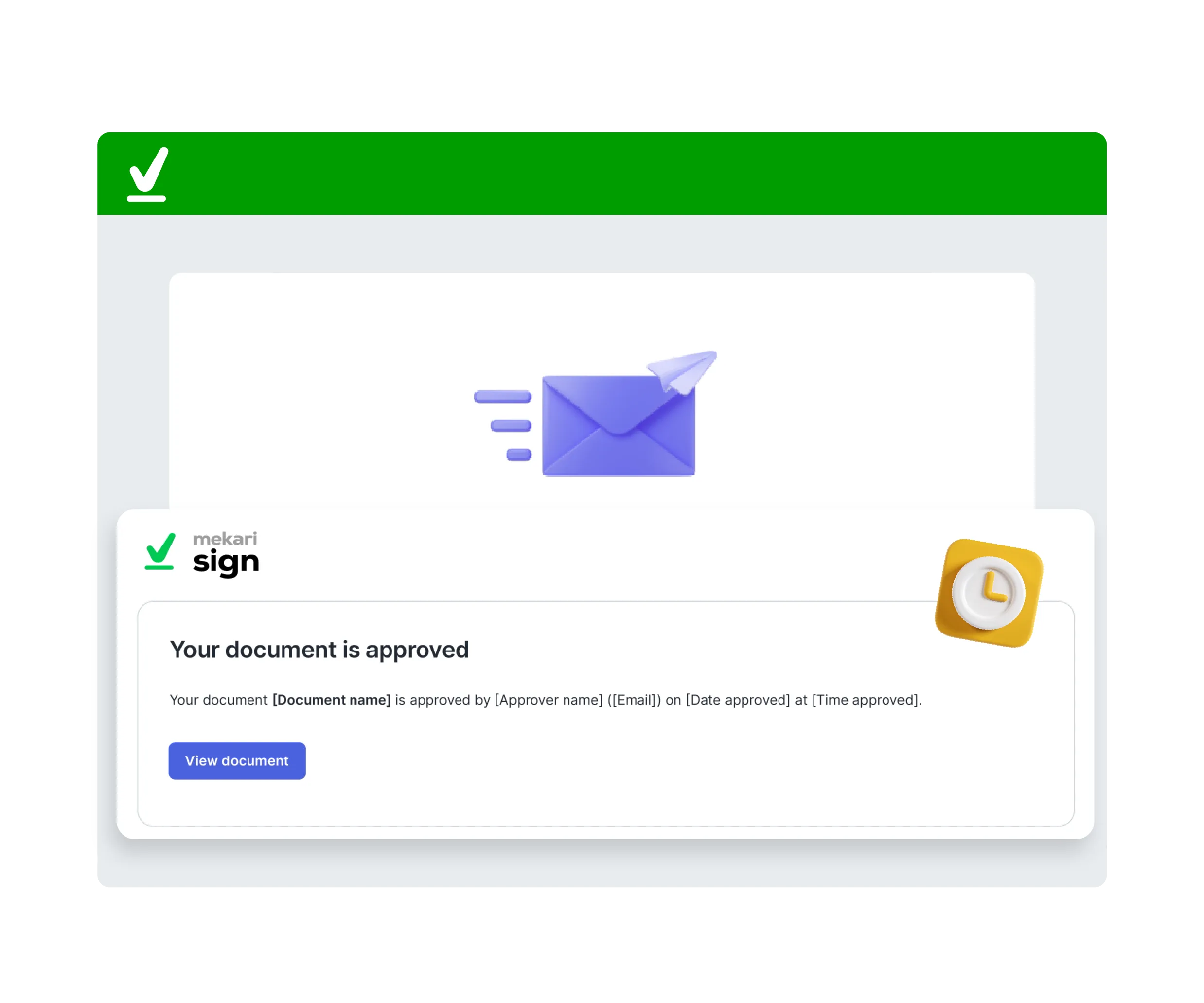
Accelerate processes remotely
Approval requests are sent digitally and approved from anywhere, eliminating the need for physical meetings or long wait times.
Minimize risk & human error
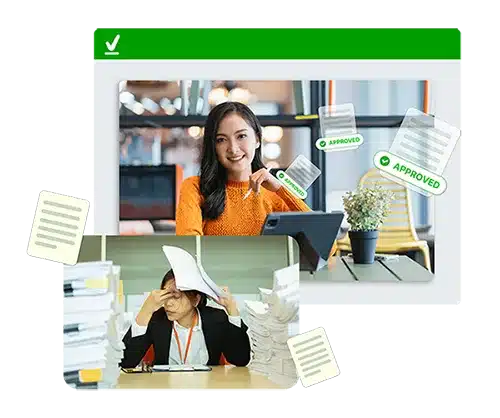
Minimize risk & human error
Automation ensures approvals are completed by the right people in the correct order, eliminating the need for manual revisions or resending files.
Secure approval processes
Every request is structured and clearly logged, ensuring only authorized parties grant approval—backed by a comprehensive audit trail.
Organized approval archives
All approval history is documented in a centralized dashboard, enabling real-time tracking of status and accountability for every party.
Flexible for diverse schemes
Configure multi-layer flows to fit your organization, whether linear, parallel, or sequential. Ideal for complex team structures.
Accelerate processes remotely
Approval requests are sent digitally and approved from anywhere, eliminating the need for physical meetings or long wait times.
Minimize risk & human error
Automation ensures approvals are completed by the right people in the correct order, eliminating the need for manual revisions or resending files.


Legal


Human Resources


General Manager


C-Level


Keuangan & Pajak
Managing 20 branches used to be a hurdle. Urgent approvals often took days to complete. Now, the entire process is finalized in just 2 days.


Speed up
95%
of document completion time
Relying on wet signatures took up to 7 days due to inter-city shipping. With digital signatures, documents are now finalized in just 1 single day.


Up to
7x
faster document turnaround time
More Than 35.000+ Businesses from Various Industries Have Trusted Mekari








Questions about Approval feature..
What is the document approval feature in Mekari Sign?
The document approval feature in Mekari Sign streamlines and automates the process of getting documents reviewed, approved, and signed by internal or external parties, reducing manual work and accelerating workflows.
How does Mekari Sign’s Approval feature work?
The Approval feature enables you to send digital approval requests, with or without attached files. You can configure approval layers, add custom messages, and notify approvers. All activities are recorded in detail within the audit trail.
Is the document approval process in Mekari Sign legally binding?
Yes, documents approved and signed using Mekari Sign’s eSignature feature are legally binding and compliant with Indonesian regulations (PSrE certified) and global standards.
How many approval layers can I configure?
You can configure up to 10 approval layers to suit your organization. The process will not advance to the next stage until all parties in the previous layer have granted their approval.
Can I request approval without sending a document?
Yes, you can create approval requests without uploading files. This is ideal for administrative decisions or internal policies that are not yet in document format.
Can I track who has approved the document?
Absolutely. Every approval step is automatically recorded in the audit trail, including who sent, viewed, and approved it, along with the exact timestamp.
Can I customize the document approval workflow?
Yes, you can set up custom approval flows, defining the order of signers and approvers to match your specific business structure and compliance requirements.
Is this feature secure for critical documents?
Highly secure. Mekari Sign uses encrypted systems and strict access management, featuring:
– Strong recipient authentication ensures only authorized access
– Compliance with international information security standards (ISO/IEC 27001)
– Secure, tamper-proof audit trails to guarantee integrity and track activity
– Strict access control ensuring only designated parties can approve based on their rights.
What types of documents can be managed through the approval feature?
The feature can manage various business documents, including contracts, agreements, internal memos, forms, and HR documents requiring formal sign-off.
Accelerate your business growth with Mekari Sign
Get more work done without compromising accuracy & speed with the complete solution from Mekari, trusted by thousands of businesses.
Sign anywhere with our mobile app


